Booking App for Solo Hairstylist: The 2-Minute Setup That Protects Your Calendar
By Laz · September 10, 2026

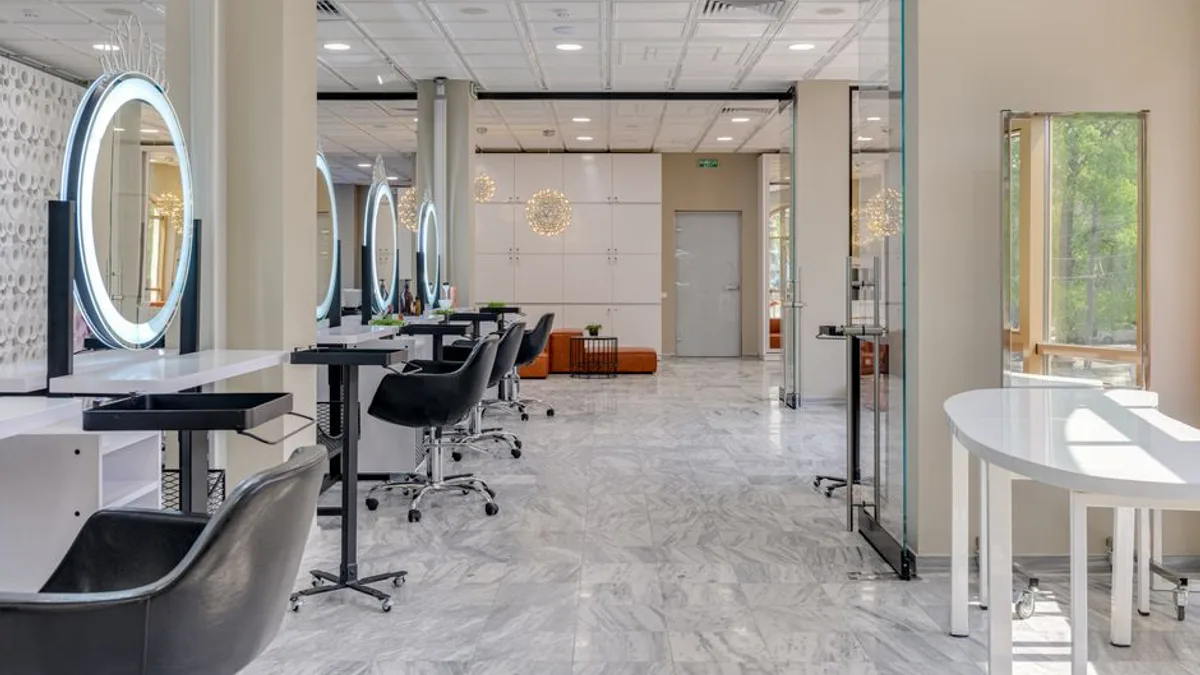
Photo by cottonbro studio on Pexels
Most booking apps treat an empty slot as money left on the table. So they fill it. A 15-minute gap between a color and a cut becomes a 15-minute booking, and now you're doing a quick trim with no time to sweep, eat, or breathe before your next client sits down.
That's the problem Chairwarden was built to solve. It's a booking app for solo hairstylists that hides slots from online clients when a short service would break up a protected long appointment. You set two numbers during setup. The app handles the rest. Here's how it works, what it costs, and whether it fits your chair.
Why Most Booking Apps Fail Solo Hairstylists
Generic booking tools are built for volume. They want every open slot filled, and they don't care what that does to your day.
A 15-minute gap becomes a 15-minute booking. That sounds fine until you realize the gap existed because you needed it. Cleanup between a double-process color and a blowout isn't optional. Neither is a bathroom break, or five minutes to actually eat something.
The tool doesn't know that. It just sees a hole and fills it.
The double-booking problem nobody warns you about
Here's where it gets worse. You sync your personal Google Calendar so the app knows you have a dentist appointment at 2pm. But if the booking software doesn't actually respect those events, a client can still grab that slot online.
Now you're choosing between a paying client and your own life. Again.
Solo stylists don't need more bookings. They need control over their time. Those are different problems, and most apps only solve the first one.
If you've felt this squeeze, you're not imagining it. The Swiss cheese calendar problem is real, and it costs booth renters real money every month.
The Real Cost of a Fragmented Calendar
Let's put numbers on it, because "fragmented" sounds abstract until you see the math.
Say you charge $80 for a cut and your day runs 9am to 6pm. A clean schedule of seven cuts is $560. Now swap two of those for 15-minute bang trims at $15 each, wedged between longer services. You've added two clients, added two check-ins, added two cleanups, and your revenue dropped.
The short bookings didn't fill your day. They broke it.
Why short bookings between long ones hurt more than they help
When you're rushed, you can't upsell. You can't take your time on the finish. You can't have the five-minute conversation that turns a first-timer into a regular.
You're also more likely to run late, which pushes everything after it. One 15-minute booking can throw off your whole afternoon.
And the fix, doing it manually, means watching your calendar all day. Checking it between clients. Blocking slots by hand. At that point the app isn't saving you time, it's giving you a second job.
Double-booking over personal events has its own cost. You skip the appointment, or you cancel on a client, or you work through it exhausted. Do that enough times and you're burned out, and burnout doesn't care how full your books are.
How Chairwarden Protects Your Time (Without Losing Bookings)
This is the part that's different, and it's worth being specific about.
Chairwarden hides slots from online clients when a short service would fragment a protected long appointment block. That's the core mechanic. If you have a 2-hour color blocked, the app won't let someone book a 15-minute trim in the middle of it and split your afternoon in half.
Relaxed mode lets you fill gaps when you want to
Protection doesn't mean locked doors. In Relaxed mode, Chairwarden still allows edge bookings. So if a client wants a quick service right before or after your long block, that's fine. You get to decide when a gap is worth filling and when it isn't.
That's the difference between a tool that thinks for you and a tool that thinks with you.
Setup takes about 2 minutes
You enter two things:
- How long a "quick" service takes
- How long a "long" service takes
That's it. Those two inputs drive the booking protection logic automatically. No rule builder, no nested menus, no 45-minute onboarding call.
Your Google Calendar events are always respected
Chairwarden says events from a connected Google Calendar are always respected. That means you can never be double-booked over your own calendar.
Not "usually." Not "if you set it up right." The events hold.
If you want to go deeper on the mechanics here, this piece on using protected calendar blocks as a stylist walks through the workflow.
What It Costs and What You Get
Pricing is simple, and that's on purpose.
| Plan | Price | Bookings | Key features |
|---|---|---|---|
| Starter | Free | Up to 15/month | Calendar protection, no credit card required |
| Paid (monthly) | $29/month | Unlimited | 500 SMS reminders/month, import wizard, stats dashboard |
| Paid (annual) | $23/month | Unlimited | Same as monthly, billed yearly |
Calendar protection is on every plan, including the free one. That's not a trial feature. It's the whole point, and it starts the moment you connect your calendar.
No percentage cut, no hidden fees
You keep what you earn. Chairwarden doesn't take a slice of your bookings, and there's no per-transaction fee buried in the terms.
The paid plan includes unlimited bookings and 500 SMS reminders per month. If you're running a full book, that's enough to keep clients confirmed without paying per text.
Migration and growth tools
The higher tier includes an import wizard for client lists from Vagaro, Square, and more. You're not retyping 200 client records by hand.
There's also a stats dashboard covering revenue, utilization, and top services. If you've ever wondered which service actually makes you money per hour, this answers it.
For a broader look at what booking software should cost, this breakdown of what salon booking software costs and what to skip is a good companion read.
Switching from Another Booking System
If you're already on Vagaro or Square, the switch is less painful than you'd expect.
The import wizard brings your client list over. You don't rebuild it from scratch. Then you connect your Google Calendar and set your two service durations. That's the whole migration.
Test it before you commit
The free tier gives you 15 bookings a month with calendar protection included. That's enough to see whether the protection logic matches how you actually work.
You don't need to change your entire workflow. You're not moving your payment processing, your marketing, or your client communication. You're adding a layer that stops your calendar from getting shredded.
Let the stats tell you what to change
Once you're in, the stats dashboard shows what's working. Maybe your 90-minute color is your best earner per hour. Maybe the 30-minute blowouts are eating your afternoons.
You adjust your service mix based on numbers, not vibes. That's how you grow without working more hours.
Is Chairwarden Right for Your Solo Business?
Here's the honest version.
If you value your time and want to avoid fragmentation, the protection is built for you. It's the one thing the app does that most others don't.
If you're just starting out, the free tier gives you 15 bookings a month to test the waters. No credit card, no commitment. You learn whether the protection logic fits your rhythm before paying anything.
If you're already booked solid, the paid plan's unlimited bookings and 500 SMS reminders keep you organized. At $29/month or $23/month annually, it's a small line item against a full book.
If you use Google Calendar for personal events, the sync means you never double-book over your own life. That alone is worth the setup time.
What it isn't
Chairwarden is designed for solo stylists, not salons with multiple staff. If you're managing a team, a shared front desk, and commission splits, this isn't the tool. It's built for one chair and one person's time.
That focus is a feature. You're not paying for team scheduling you'll never use.
If you're weighing broader options, what a salon booking app should actually do for a stylist covers the category without the noise.
The Bottom Line
Most booking apps optimize for one thing: filling slots. Chairwarden optimizes for a different thing: protecting the shape of your day.
That's a meaningful difference for anyone working alone. A fragmented calendar costs you money in ways that don't show up on a booking count. It costs you the upsell you couldn't make, the break you didn't take, and the personal appointment you cancelled.
Two service durations. One connected calendar. Protection that holds. That's the whole idea, and you can test it free with 15 bookings a month before spending a dollar.
If that sounds like the fix you've been working around, start with the free tier and connect your calendar. You'll know within a week whether it changes your day.
Frequently Asked Questions
Can I use Chairwarden if I already have a Google Calendar with personal events?
Yes. Chairwarden syncs with your Google Calendar and always respects your personal events. That means you'll never be double-booked over a dentist appointment or your kid's soccer game. The app simply blocks those times from online booking.
What happens if I get more than 15 bookings in a month on the free plan?
The free Starter plan includes up to 15 bookings per month. If you exceed that, you'll need to upgrade to the paid plan to accept more bookings. The paid plan offers unlimited bookings, so you never have to worry about a cap.
How does Chairwarden prevent short appointments from breaking up my day?
During setup, you tell Chairwarden how long a 'quick' service takes and how long a 'long' service takes. The app then hides slots from online clients when a short service would fragment a protected long appointment block. In Relaxed mode, it can still allow edge bookings, so you have flexibility.
Can I import my client list from Vagaro or Square?
Yes. The higher tier of Chairwarden includes an import wizard that lets you bring your client list over from Vagaro, Square, and other systems. This makes switching easy and ensures you don't lose your client data.
On Chairwarden
Salon booking app
The whole product in one page: protection, reminders, deposits, your own booking link.
Read the full page