How to Avoid Double Booking Clients: A Working Playbook for Solo Stylists
By Laz · November 4, 2026
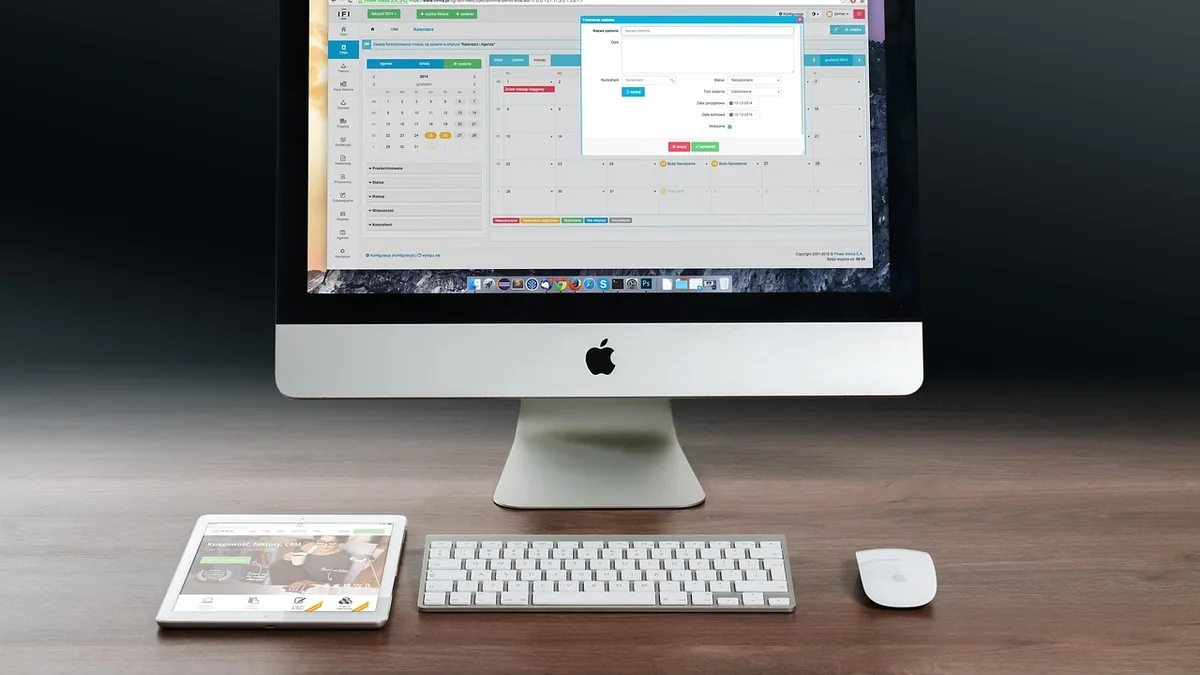
Image by Firmbee on Pixabay
Nearly one-third of small businesses say double booking is an ongoing problem. The causes aren't carelessness. They're manual entry, too many booking channels, and availability that goes stale the moment you stop watching it.
If you rent a booth or a solo suite, you are the front desk. Every DM, text, walk-in, and online booking lands on you. One missed update and two clients show up for the same 2 p.m. slot. A double booking costs €300 to €800 on average once you add up refunds, a comped service, the reputation hit, and the repeat client who doesn't come back.
The fix is calendar protection. One calendar as the source of truth, real-time sync instead of iCal, full appointment durations with buffers, and short services that can never split a long, high-value block. Here's how each piece works.
Why double bookings keep happening to people who book their own clients
It's not that you're disorganized. It's that your schedule lives in five places at once.
- Instagram DMs
- Texts
- Walk-ins
- Your public booking page
- A paper book or notes app
Each channel writes to a different place at a different time. You confirm a color in a DM at 9:14 a.m. and a client books the same slot online at 9:16, because the online calendar never heard about the DM.
The research names three main causes: manual entry, multiple booking channels, and stale availability. All three are structural. You can be sharp and still get burned.
Then there's sync lag. If your calendar talks to your booking tool over iCal, updates can take 15 to 30 minutes to land. That window is exactly where double bookings are born. A client books a slot that was already taken because your calendar hadn't caught up yet.
Real-time API sync closes that window. The booking lands in seconds, not half an hour later.
Put a real cost on it. A double booking runs €300 to €800 on average after refunds, a comped service, the hit to your reputation, and the repeat client you lose. One per quarter and you've quietly donated a month of rent.
Fix the source: one calendar, real-time sync, and no stale slots
Pick one calendar as the source of truth. Every booking channel routes into it. Nothing lives in a DM thread or a paper book anymore.
With two-way Google Calendar sync, a client booking online and a text you add by hand land in the same place. Change one, and the other updates. There's no "which calendar is right" question at 7 a.m.
Use API-based sync, not iCal. The 15 to 30 minute iCal lag sounds small until you do the math: that's a full window where your availability is a lie. API sync updates in real time, so the slot disappears from your booking page the second someone takes it.
Set up your public booking page so clients only ever see slots that are actually open. Availability has to update the moment a booking lands. If a client can see a slot that's already gone, your booking page is generating double bookings, not preventing them.
When you move your client list over, use an import wizard with a preview before anything moves. Manual re-entry is one of the three named causes of double booking. Don't recreate it during setup. Import from Vagaro, Square, GlossGenius, or Schedulicity, check the preview, then confirm.
If you're still deciding what software to run at all, Salon Booking Software: What It Costs, What It Does, and What to Skip breaks down the real tradeoffs. The short version: sync quality matters more than feature count.
Protect the long block: duration, buffers, and how short services fit
Here's the failure nobody warns you about. Your 3-hour color gets split by a 20-minute trim because your booking page saw a gap and filled it.
The first fix is honest durations. Build the full appointment, not just face time. Cleanup, notes, setup, and turnover belong inside the block, or the next client gets booked into the gap. A color that takes 2 hours and 40 minutes of work is a 3-hour appointment. Book it that way.
The second fix is telling the app what "short" and "long" actually mean. During a two-minute setup, you tell Chairwarden how long a quick service takes and how long a long one takes. That's what lets it decide whether a short booking would split a high-value block.
Then pick your mode:
- Strict mode never allows fragmentation. A 20-minute trim can't break up a 3-hour color, period.
- Relaxed mode allows a short service at the edges of a block when it wouldn't meaningfully fragment it. A trim before your first color of the day? Fine. A trim wedged into the middle of a double-process? Blocked.
The payoff is simple. Clients booking online never see a slot that would cut a long appointment in half. You stop losing your best blocks to your smallest services.
This matters more than most stylists realize. If your calendar keeps getting shredded into unusable gaps, The Swiss Cheese Calendar Problem: Why Booth Renters Are Losing $1,000 a Month walks through the math. Short bookings fragmenting long blocks is a big part of it.
Holds, approvals, and the cleanup that stops ghost bookings
Two more leaks sink a self-managed calendar: holds that never expire, and complex requests that drop straight onto your live book.
Give every tentative hold an explicit 24 to 48-hour expiration. Without it, an unpaid prospect blocks a prime Saturday slot and you're holding space for a booking that may never happen. When the hold expires, the slot comes back automatically. You don't have to remember.
Use an approval workflow for complex or high-value requests. A bridal party, a big color correction, anything with a consultation attached should stay pending until you confirm it. It doesn't drop onto the live calendar and start blocking other clients while you're mid-service.
Then audit your book weekly. Look for three things:
- Holds that expired but never got released
- Requests you forgot to confirm
- Services logged shorter than they actually ran
Most double bookings are stale data, not bad luck. A weekly 10-minute pass catches nearly all of them.
Finally, write your rules down. What counts as a quick service. How long a hold lives. Which bookings need approval. When the rules live in the software, the calendar enforces them even when you're elbow-deep in foils and can't check your phone. That's the difference between a policy you have and a policy that runs.
If you want the full framework for blocks and buffers, How to Use Protected Calendar Blocks as a Stylist (Without Losing Clients) goes deeper.
The setup, start to finish
Here's the whole playbook in order. It takes an afternoon, not a weekend.
- Choose one calendar as the source of truth, with two-way Google Calendar sync.
- Route every channel into it: booking page, texts, DMs, walk-ins entered by hand.
- Switch to API-based sync. Drop iCal.
- Import your client list with a preview before anything moves.
- Set full durations for every service, including cleanup and turnover.
- Define quick vs. long services and pick strict or relaxed mode.
- Put a 24 to 48-hour expiration on every hold.
- Turn on approval for complex or high-value requests.
- Audit the book weekly for expired holds, unconfirmed requests, and short-logged services.
None of this requires a front desk or a manager. It requires a calendar that enforces your rules instead of just displaying them.
Chairwarden is built for exactly this: booth renters and solo-suite stylists who book their own clients. Calendar protection is included on the free tier from the first booking, with no credit card, up to 15 bookings a month. The Individual plan is $29/mo, or $23/mo billed annually, with unlimited bookings and 500 SMS reminders a month. You get a public booking page on your own link, Google Calendar two-way sync, and email reminders plus SMS. No percentage cut on card payments, no hidden fees.
Start with the free tier and see whether the double bookings stop. That's the whole test. You can try Chairwarden here and set up your durations in about two minutes.
Frequently Asked Questions
What actually causes most double bookings?
Manual entry, multiple booking channels, and stale availability. Nearly one-third of small businesses report double booking as an ongoing problem, and it's almost always a data problem — two calendars that disagree, or one that hasn't updated yet.
Is iCal sync good enough to prevent double bookings?
Not on its own. iCal synchronization can lag 15–30 minutes, and that window is enough for two clients to book the same slot. Real-time API-based sync is the safer standard because availability updates the moment a booking lands.
How long should a tentative hold last?
24–48 hours, with a hard expiration. A hold with no end date lets an unpaid prospect block your best slot indefinitely, and it looks like a real booking to anyone else trying to get in.
Should I include cleanup and setup time in the appointment length?
Yes. For chair-based and service-based scheduling, the appointment duration should include cleanup, notes, setup, and turnover — not just the time you spend with the client. If those minutes aren't in the block, the next client gets booked into them.
On Chairwarden
No-show protection
Deposits through your own Stripe account, and what happens when one is not paid.
Read the full pageFree tools
- Calendar fragmentation calculator
Put in your own service prices and durations, and see what a short booking landing in the middle of an open window puts at risk.
- Booth rent vs. commission
Put your own numbers in and see which side leaves you more, plus the weekly rent that breaks even.