How to Set Up Online Booking as an Esthetician: The Operator's Playbook
By Laz · November 9, 2026
Image by Ylloh on Pixabay
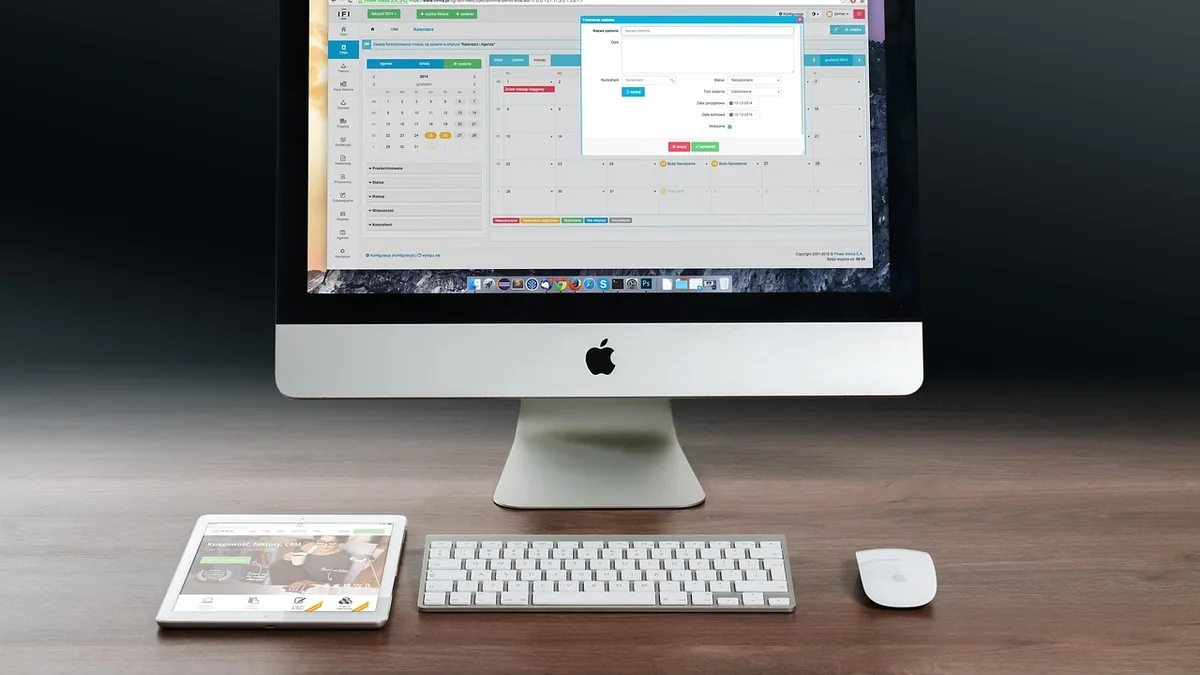
Your booking link can take appointments while you're elbow-deep in a facial, and most of your clients want exactly that. At least 40% of salon clients say they want to book outside normal opening hours. If you're a solo esthetician renting a chair or suite, you can't answer a call mid-treatment. A public booking page can.
That's the why. Here's the how: a booking link set up to protect your calendar instead of quietly wrecking it. We'll cover the menu, the policies, the calendar rules, and the launch sequence. All of it, free, whether you use Chairwarden or not.
Why your booking link is your busiest employee
Think about your last Tuesday. Three back-to-back treatments, phone buzzing in your apron pocket, a text asking if you have anything Thursday. You didn't answer until 6pm. By then they'd booked somewhere else.
A booking page fixes that. It works at 11pm, on Sundays, and while both your hands are busy.
Chairwarden's public booking page lives on your own link. Clients click it and book. No app to download, no account to create. That last part matters more than it sounds. Every extra step loses people.
But online booking isn't just convenience. It's calendar control. You decide which services are bookable, how long each one takes, and when they can land on your schedule. That control is the whole point. Without it, you've just handed strangers the keys to your week.
If you want the broader picture of what these tools do and cost, we wrote a full breakdown in Salon Booking Software: What It Costs, What It Does, and What to Skip.
Start with a menu that doesn't lie about time
Most booking disasters start with a menu that's too honest about what you offer and too optimistic about how long it takes.
Here's the rule: publish only predictable services first. A brow wax. A standard facial. A 90-minute lash fill. Services where you know the duration within 10 minutes either way.
Services with uncertain timing should be consultation-only until you've done enough of them to know the real number. That means:
- Major color corrections
- Extensions
- Complex changes to existing work
- Anything where you'd say "it depends" if a client asked
You can add those to online booking later, once you have real data. Until then, they go through a consultation. Nobody books a 3-hour slot expecting 45 minutes.
Your online menu should show four things before the client confirms:
- Clear names. Not "Signature Glow." Say what it is.
- Realistic durations. Pad them if you must. Underpromise on time.
- Prices or starting prices. "From $85" is fine. Silence is not.
- Booking rules, visible before confirmation. Deposit, cancellation window, late policy.
Chairwarden's setup takes about two minutes. It asks two questions: how long does a quick service take, and how long does a long one take? That's the core input for calendar protection. Everything else builds on those two numbers.
Set your policies before you share the link
Don't share the link, then figure out your cancellation policy when the first no-show happens. Decide first. Publish second.
Three decisions to make up front:
- Cancellation window. 24 hours? 48? Pick one and stick to it.
- Deposit requirements. Which services need one, and how much.
- Late policy. How long you'll wait, and what happens after.
Then put all three on the booking page where clients see them before they confirm. Not buried in a footer. Visible.
Reminder timing should match your cancellation policy. This is where most stylists get it backwards. They send a reminder 24 hours out, but their cancellation window is 48 hours. The client sees the reminder, realizes they can't make it, and now they're inside the window. You've turned a clean cancellation into a late no-show.
Send an immediate confirmation when they book. Then send a reminder before the cancellation window closes. That gives them a real chance to cancel within your policy instead of ghosting you.
For a deeper look at what actually works, see Salon Cancellation Policy Examples: What Actually Works for Booth Renters.
Chairwarden supports deposits through your own Stripe account. The money goes to you. There's no percentage cut on card payments and no hidden fees. You pay Stripe's standard processing rate, same as any other card transaction. Email reminders are included, and SMS reminders come with the Individual plan at 500 per month.
Protect your calendar from the start
Here's the problem nobody warns you about. You have a 3-hour color block open on Saturday. A client wants a 15-minute brow wax. Your booking page shows that 15-minute gap, they grab it, and now your 3-hour block is two 90-minute pieces with a wax in the middle. Nobody else can book the remaining time. You've lost the color appointment.
We call this the Swiss cheese calendar. Holes everywhere, no solid blocks. We wrote a whole piece on how much it costs: The Swiss Cheese Calendar Problem: Why Booth Renters Are Losing $1,000 a Month.
Chairwarden's calendar protection works like this. You tell it how long a quick service takes and how long a long one takes. The system then hides short openings that would split a longer appointment block. Clients never see a slot that would fragment your schedule. They can't book what isn't shown.
There are two modes:
- Strict mode never allows fragmentation. A short service can't split a long block, period.
- Relaxed mode allows a short service at the edges of a block when it wouldn't meaningfully fragment it. A 15-minute wax at 9am before a 10am color? Fine. The same wax at 10:45am, mid-color? Hidden.
You can still manually override the rule for regular clients. Your 6-week brow client who always wants a touch-up before her fill? You can slot her in yourself. The rule protects you from strangers, not from people you know.
This is the difference between a booking link that fills your chair and one that fills your calendar with gaps. For more on making protected blocks work in practice, read How to Use Protected Calendar Blocks as a Stylist (Without Losing Clients).
Launch, import, and refine
You don't need to rebuild your client list by hand. Chairwarden's import wizard pulls your clients from Vagaro, Square, GlossGenius, or Schedulicity. You see a preview before anything moves. If something looks wrong, you fix it before it lands.
Google Calendar syncs two ways. Your personal calendar and your work calendar stay aligned, so a dentist appointment doesn't sit on top of a client.
Then start small. The free tier gives you up to 15 bookings per month, no credit card required, with calendar protection included from the very first booking. That's enough to test the link with your regulars, see how the menu reads, and check that your reminder timing matches your policy.
When you're ready for more, the Individual plan is $29/mo, or $23/mo billed annually. That gets you unlimited bookings and 500 SMS reminders per month.
Here's a simple launch checklist:
- Pick 3-5 predictable services for your online menu.
- Set realistic durations, prices, and booking rules.
- Decide your cancellation window, deposit rules, and late policy.
- Set reminder timing to match the cancellation window.
- Choose Strict or Relaxed mode for calendar protection.
- Import your client list and check the preview.
- Sync Google Calendar.
- Share the link with your regulars first, then everywhere else.
A few things to know about what Chairwarden isn't. It doesn't take a percentage of your card payments. It doesn't run a client marketplace where strangers browse you. It's built for booth renters and solo-suite estheticians managing their own schedule, not multi-chair salons with a front desk. If that's you, the fit is the point.
What to do this week
The whole setup takes under an hour if you've already decided your policies. The menu is the hardest part, because it forces you to be honest about how long things actually take.
Start with the free tier. Publish three services. Share the link with five regulars. Watch what happens when someone tries to book a short service next to a long one. If the slot is hidden, calendar protection is doing its job.
Chairwarden is free for up to 15 bookings a month, no credit card, calendar protection from the first booking. If you want to see how it handles your actual schedule, start there and upgrade later if you need unlimited bookings and SMS reminders. No pressure, no percentage cut, no marketplace. Just a booking link that protects the calendar you built.
Frequently Asked Questions
Do I need a website to set up online booking?
No. Chairwarden gives you a public booking page on your own link. You can share it on social media, in your bio, or via text. No website required.
What if a client wants to book a service that's not on my online menu?
They can contact you directly. You can keep complex or unpredictable services as consultation-only and book them manually after a conversation.
How do I prevent short bookings from breaking up my long appointments?
Chairwarden's calendar protection does this automatically. You set durations for short and long services, and the system hides short openings that would split a long block. You can choose strict mode (never fragment) or relaxed mode (allow at edges).
Can I import my client list from my current booking app?
Yes. Chairwarden has an import wizard that brings your client list from Vagaro, Square, GlossGenius, or Schedulicity. You'll see a preview before anything moves.
On Chairwarden
Esthetician software
A facial and a brow wax, and the gap between them that keeps getting booked.
Read the full pageFree tools
- Calendar fragmentation calculator
Put in your own service prices and durations, and see what a short booking landing in the middle of an open window puts at risk.
- No-show cost calculator
Put in your own average ticket and how often people do not turn up, and see what unfilled appointments come to in a year.